 NEWS
NEWS
When Playback Isn’t Enough: Choosing the Right Video System
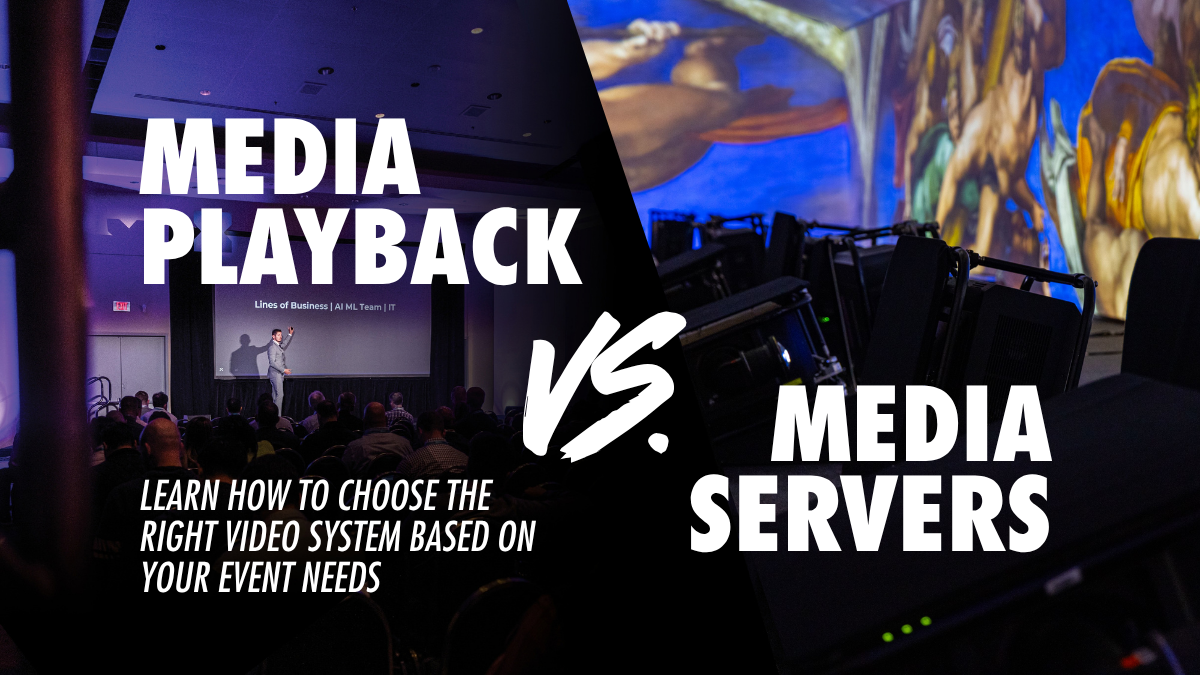
When people picture video at an event, they usually think of the screen: a massive LED wall behind a concert stage, a projection-mapped scenic element, a display flanking a keynote speaker. But the screen is only the destination. Somewhere upstream, something must decide what appears, when it appears and what it does once it gets there. “Media server” has become a catchall for anything that plays video, but it covers two different classes of product with very different capabilities, crews and costs.
Sorting out which one a show needs has less to do with which product is better and more to do with how much control and integration the show calls for. Answering that question early gets you to an accurate quote faster.
What Media Playback Products Do
Media playback is the simpler of the two. A playback product recalls stored media (video, still images, sometimes audio) and sends it to a screen. Most run a single layer with a single output, which means one piece of content on screen at a time with a crossfade between cues. Some newer products can spread one piece of content across several outputs, but they are still driving a single source.
Think about plugging a laptop into a monitor and clicking through slides in a presentation. That is media playback at its core: one source, one screen and simple control. A dedicated playback product does the same job with proper cueing built in, so an operator or stage manager can step through a cue list or playlist, or let the software follow timecode. Most can also be triggered remotely from a lighting console or show control system.
Playback software runs on an ordinary computer or laptop. Setup can be as simple as putting it on a table and plugging in a cable. PlaybackPro and Mbox Player are common examples. Whatever the product, the job comes down to one thing: make the right file appear at the right time.
What a Media Server Adds
A media server takes the same basic pipeline and opens up far more of it. Instead of one layer, it composites several. Instead of one output, it feeds many, and those outputs can be LED walls, projectors, displays or even lighting fixtures. Content can be mapped onto irregular or three-dimensional surfaces, warped to fit, blended across projectors and processed with effects.
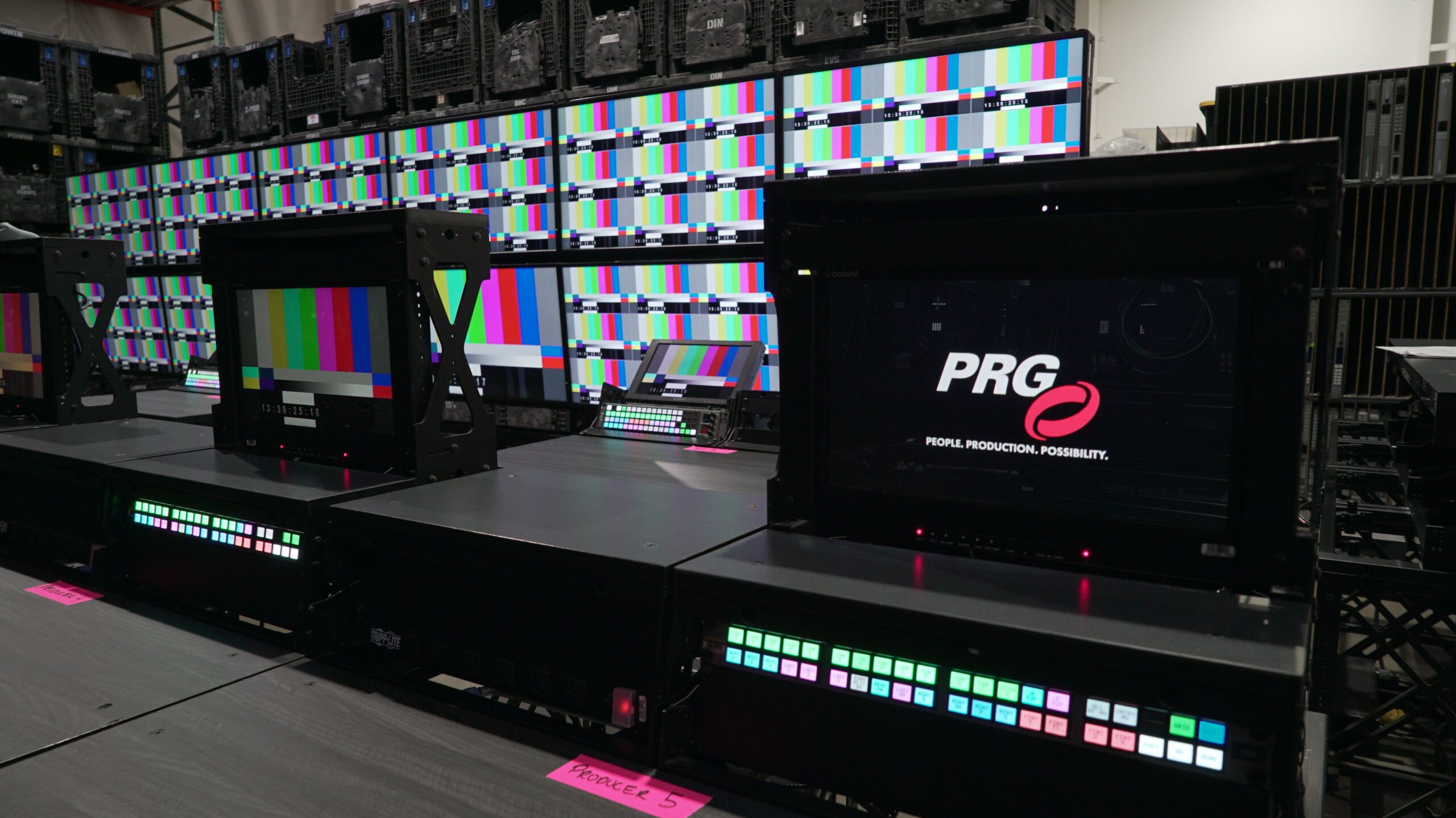
Servers are also built to take in live signals. Camera feeds, network streams, timecode and scenic tracking data can all change what happens on screen. That makes the server a component of the larger show control system rather than a standalone video source. Some of the more advanced platforms include previsualization tools as well, so the server becomes part of the design process before anyone arrives at the venue.
Disguise, Watchout, Pixera and Hippotizer are the platforms you will see most often on tours, broadcast sets and large corporate shows, along with Mbox®, PRG’s own media server platform. All of them run the same basic pipeline: a media library, layers composited together, mapping to outputs and then the screens themselves. What sets a media server apart from a playback product is how much of that pipeline the design team can see and control.
Matching the System to the Show
The two categories line up with two kinds of events, and with two sets of technical needs.
|
Show Type |
Show Needs |
|
|
Media Playback |
Corporate meetings, breakout rooms, fast-turnaround events, simple screens run by a stage manager |
Reliable file recall, one or a few outputs, little or no live manipulation, fast setup |
|
Media Server |
Concerts, theatre, projection mapping and large LED canvases, integrated show control |
Multiple outputs, layers and mapping, external control or sync, media as part of a larger show system |
The table is a guide rather than a rule. A Disguise server on a school musical is overkill. PlaybackPro on an arena tour is not enough. In both cases the product is fine. The fit is the problem.
Common Misconceptions
More capability means a better result. Capability, complexity and cost tend to move together. A more capable server needs more programming time, a more specialized operator and a bigger line on the budget. If the show never uses that capability, it pays for it anyway. The right answer is the least complex tool that still gives the show enough control.
The product decides the category. Many products cross the line depending on how they are configured. Products like QLab and TouchDesigner can act as simple playback on one show and as a media server on the next. Classify the system by the role it plays in the production, not by the name on the software.
Video is separate from lighting. Nearly every playback product and media server can communicate with a lighting console over DMX, sACN, Art-Net, MIDI, OSC or timecode. On a live-control setup, the server has a fixture profile on the console and its layer parameters behave like pan, tilt and zoom on a moving light. A lighting programmer can busk video the same way they busk fixtures, which is why that approach shows up so often in television and live entertainment work. Media servers can also output pixel mapping data directly to lighting fixtures. At that point the video surfaces are part of the lighting designer’s stage picture, not a separate department.
Crewing follows the same logic. A playback source is typically run by a video engineer or the stage manager. A media server operator may come from the video side or the lighting side, depending on the show and how the system is integrated.
Renting the Right Media Server or Playback System
Playback is usually a source. A media server is usually an integrated visual platform. PRG Gear carries media server rentals and playback systems, along with the LED, projection and processing equipment they feed. If you are not sure which side of the line your event falls on, describe the show to our product experts and they can help you spec the right system. Contact us to get started.